


Arcadian Titanium Flashlight
Feature-packed and dependable
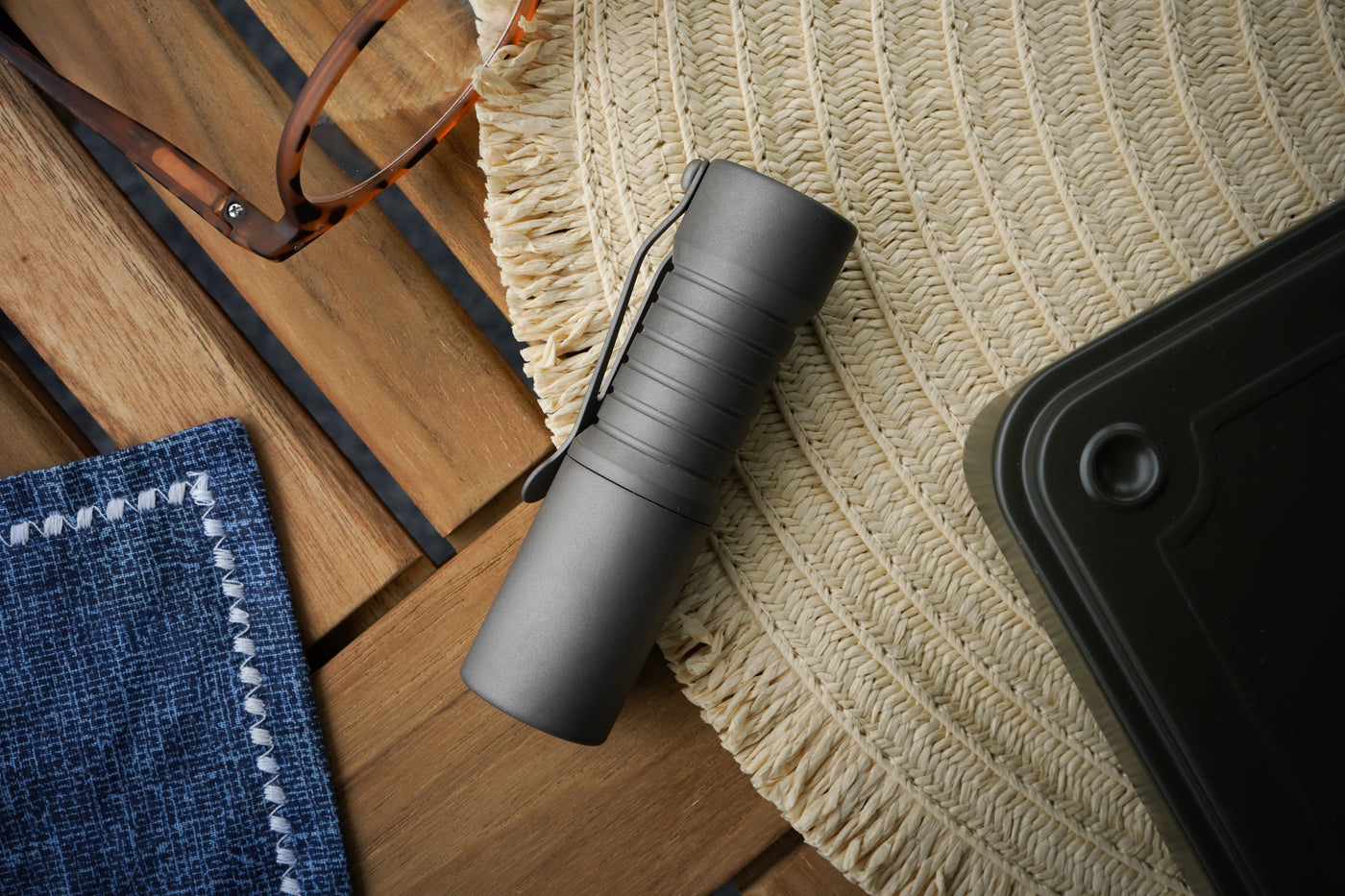
The Arcadian flashlight is a masterpiece of innovation, blending cutting-edge technology with thoughtful design to redefine what it means to be feature-packed and dependable.
Users can enjoy a host of customizable features, including adjustable power levels and a convenient triple-tap strobe function. Built for reliability, the Arcadian ensures safety with thermal regulation and voltage protection while maintaining a sleek, compact form. Powered by an 18350 battery, this flashlight is the ultimate companion for any adventure.
At its core is the advanced Chimera MAX driver, paired with a premium LED engine featuring the Nichia 519A 4500K single LED or a Quantum Dragon engine equipped with Nichia 519A triple LEDs.
If equipped with the Quantum Dragon driver, this flashlight offers an array of customizable features. Users can program secondary RGB LEDs, adjust power levels, and even enjoy a triple-tap strobe function. In addition to its versatility, it ensures safety and durability with thermal regulation and voltage protection.
Programming:
Chimera Max (Single LED)
Mode groups:
- 1- Moonlight, 5%, 15%, 35%, 50%, 100%
- 2- Moonlight, 5%, 15%, 35%, 100%
- 3- Moonlight, 15%, 35%, 100%
- 4- 5%, 15%, 35%, 50%, 100%
- 5- 5%, 15%, 35%, 100%
- 6- 5%, 35%, 100%
- 7- 15%, 35%, 50%, 100%
- 8- 15%, 50%, 100%
- 9- 15%, 100%
- 10- 50%
Configuration options:
To enter configuration mode, quickly cycle the switch 10+ times until it starts to flash. Once it starts to flash, you are in configuration mode. Once in configuration mode, the light will give a solid light and ramp down. If you want to modify options 2-3, cycle the switch during the ramp to move to the next option.
- Option 1 = Mode group: When the light ramps down, it will step down and then the group number will blink, followed by another step down. To select the group blinked, cycle the switch in the step-down cycle after the group you want to use
- Option 2 = Memory on/off: When the light ramps down, it will flash low power and then high power. Cycle the switch while flashing low if you want memory off and high if you want memory on
- Option 3 = Strobe option: When the light ramps down, it will flash 3 different power levels. Cycle the switch while flashing low if you want strobe off, medium for bicycle mode and high for strobe mode. To access these in normal use, cycle the switch three times rapidly and it will access either strobe programmed when turned on
Quantum Dragon (Triple LED)
Mode groups:
- Group 1: Color, ML, 5%, 15%, 35%, 50%, 100%
- Group 2: Color, ML, 35%, 100%
- Group 3: ML, 5%, 15%, 35%, 50%, 100%
- Group 4: ML, 5%, 15%, 100%
- Group 5: ML, 15%, 100%
- Group 6: 5%, 15%, 35%, 50%, 100%
- Group 7: 15%, 100%
- Group 8: 15% - 50%
- Group 9: 100% only
- Group 10: Color, 100%
- Group 11: 100%, color
- Group 12: Color, 50%
- Group 13: 50%, color
Configuration options:
To enter configuration mode, quickly cycle the switch 12+ times until it starts to flash. Once it starts to flash, you are in configuration mode. Once in configuration mode, the light will give a solid light and ramp down. If you want to modify options 2-4, cycle the switch during the ramp to move to the next option.
- Option 1 = Mode group: When the light ramps down, it will flash all 3 colors and then the group number in white light, followed by all 3 colors. To select the group flashed in white light, cycle the switch in the next color cycle after the group number you want to use is blinked out
- Option 2 = Secondary color choice: When the light ramps down, it will blink twice to show it is in the second option and flash each color several times. Cycle the switch while the color you want to use is flashing
- Option 3 = Memory on/off: When the light ramps down, it will blink three times to show you it is in the third option and flash red or green several times. Cycle the switch while flashing red if you want memory off and green if you want memory on
- Option 4 = Strobe option: When the light ramps down, it will blink four times to show it is in the fourth option and flash each color several times. Cycle the switch while flashing red for off, green if you want standard strobe and blue for bicycle mode. To access these in normal use, cycle the switch rapidly three times and it will access either strobe programmed when turned on
Finland

Shipping
| Shipping method | Cost | Time |
|---|---|---|
| Loading | Loading | Loading |
Handling times: Orders placed on a business day by 11:30 (AM, Finnish time) will be dispatched the same day, otherwise the next business day.
Customs duties & taxes: No customs duties & taxes on delivery, we ship from within the EU.
Returns
Products can be returned within 60 days. Free returns via Posti Customer Return service. The original shipping costs will not be refunded.
Data sheet
-
Light source
-
Material
-
Battery
-
Size
-
Made inUnited States 🇺🇸


Share your carry by uploading a photo below, or tag us to your IG post by @mukamacom to be featured. We appreciate every share, it's always nice to see good gear in the wild!


CWF Custom Flashlights
Elevating Everyday Carry with Exceptional Flashlights
